
Live demo
Try Portunus in your browser at demo.portunus-vault.app. It runs demo mode: stubbed sign-in and an in-memory vault, no Google account. Don't put real secrets in it.
Run the demo locally
You can run the same demo mode on your own machine. It uses stubbed sign-in and an in-memory vault, with no Google OAuth, no Drive account, and nothing else to configure:
bash
docker run --rm -p 3000:3000 -e PORTUNUS_DEMO_MODE=1 ghcr.io/ralphv/portunus:latestThen open http://localhost:3000 and click Sign in with Google. Each browser gets its own isolated in-memory vault (tracked by a visitor cookie), which is lost when the container restarts.
Demo mode is for trying the UI. Keep real secrets well away from it. When you're ready for a real vault, go to Install.
Screenshots
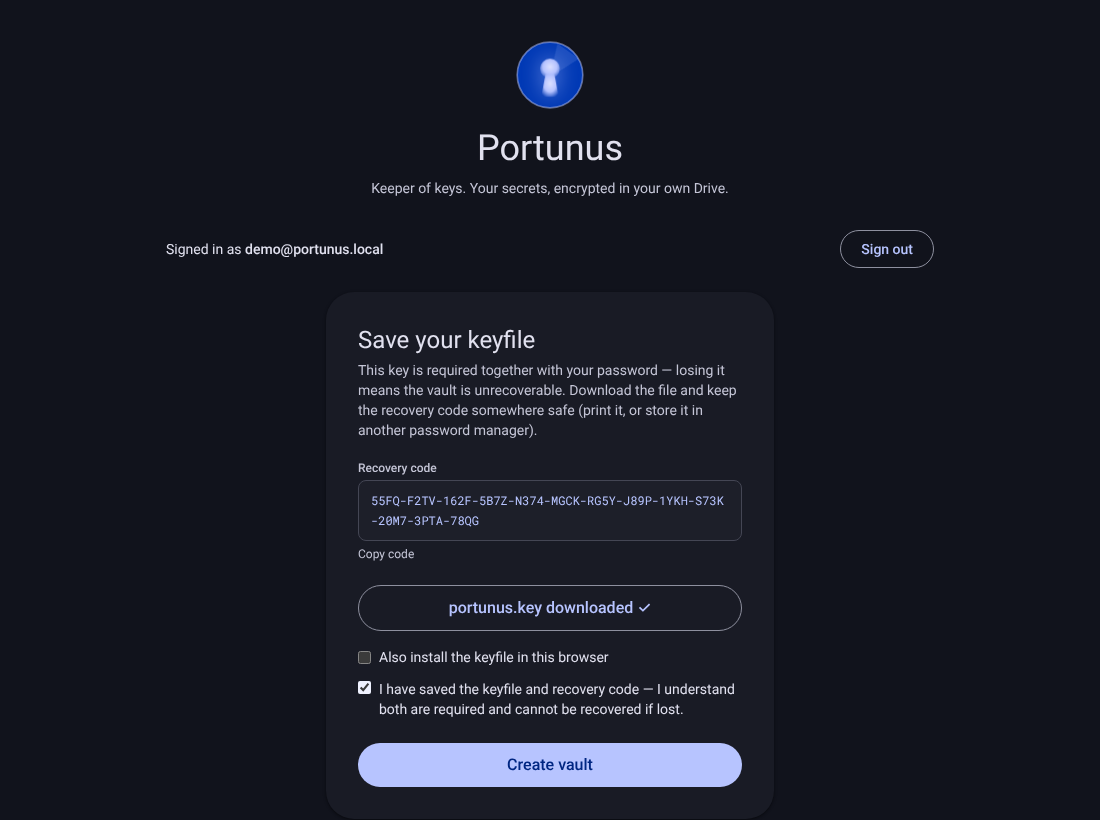
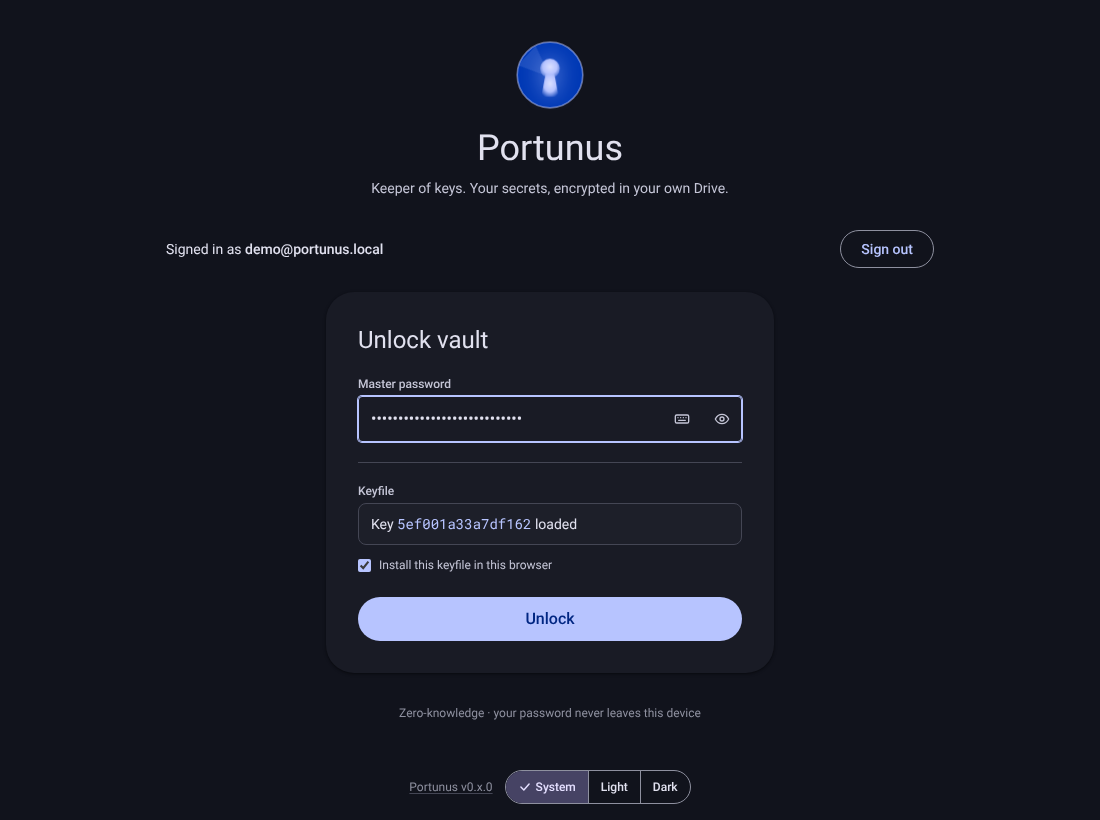
| Vault creation: recovery code + keyfile download | Unlock: keyfile + password |
|---|---|
 |  |
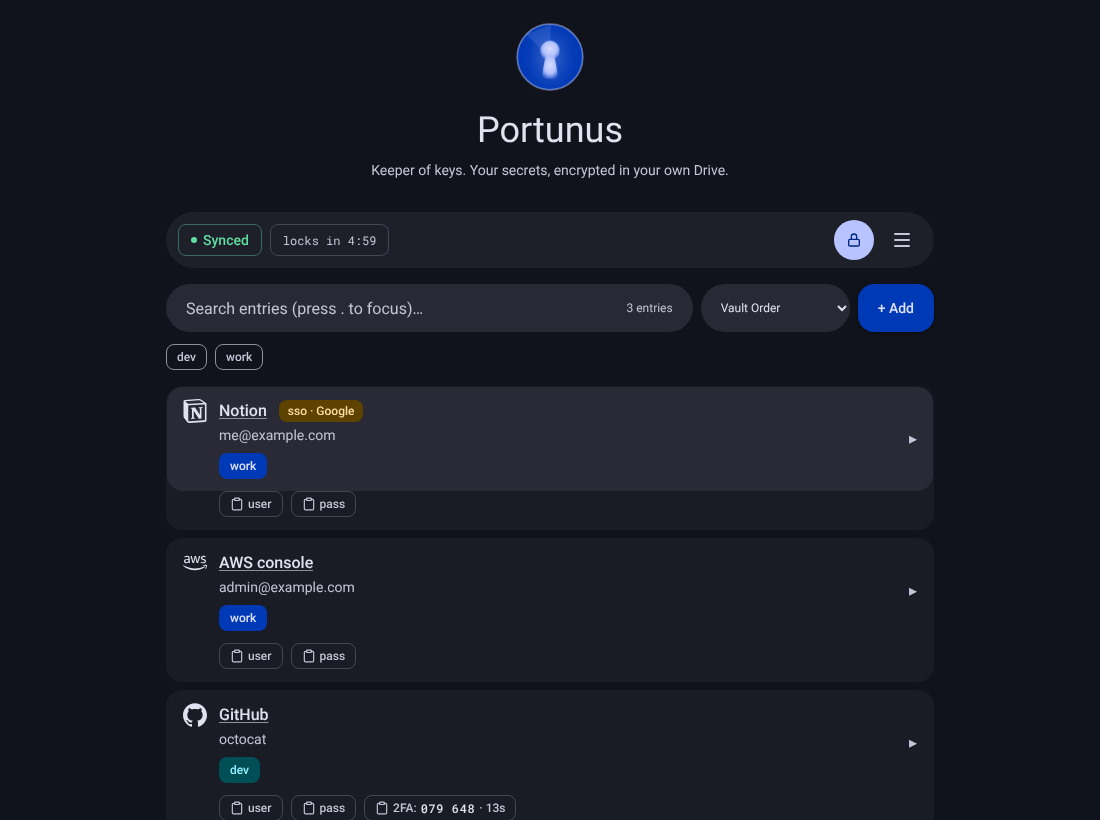
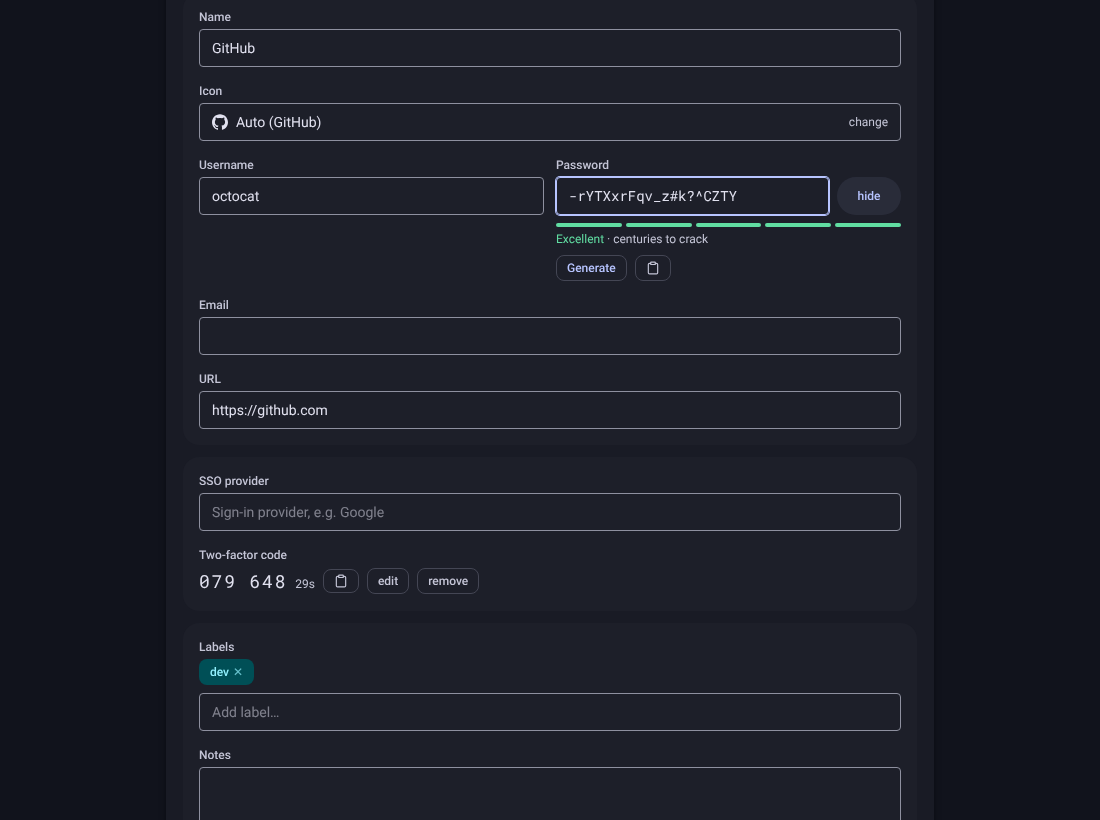
| Unlocked vault: site icons, labels, SSO and 2FA | Expanded entry: generator, strength meter, live 2FA code |
|---|---|
 |  |
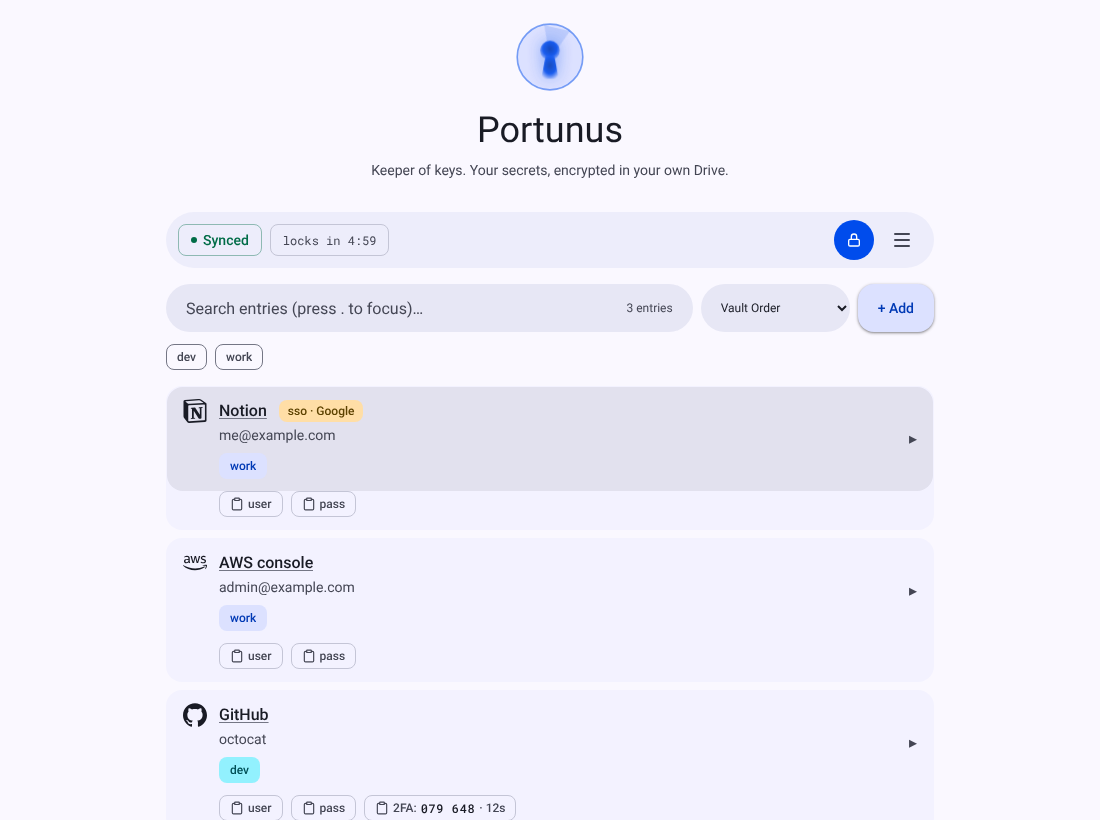
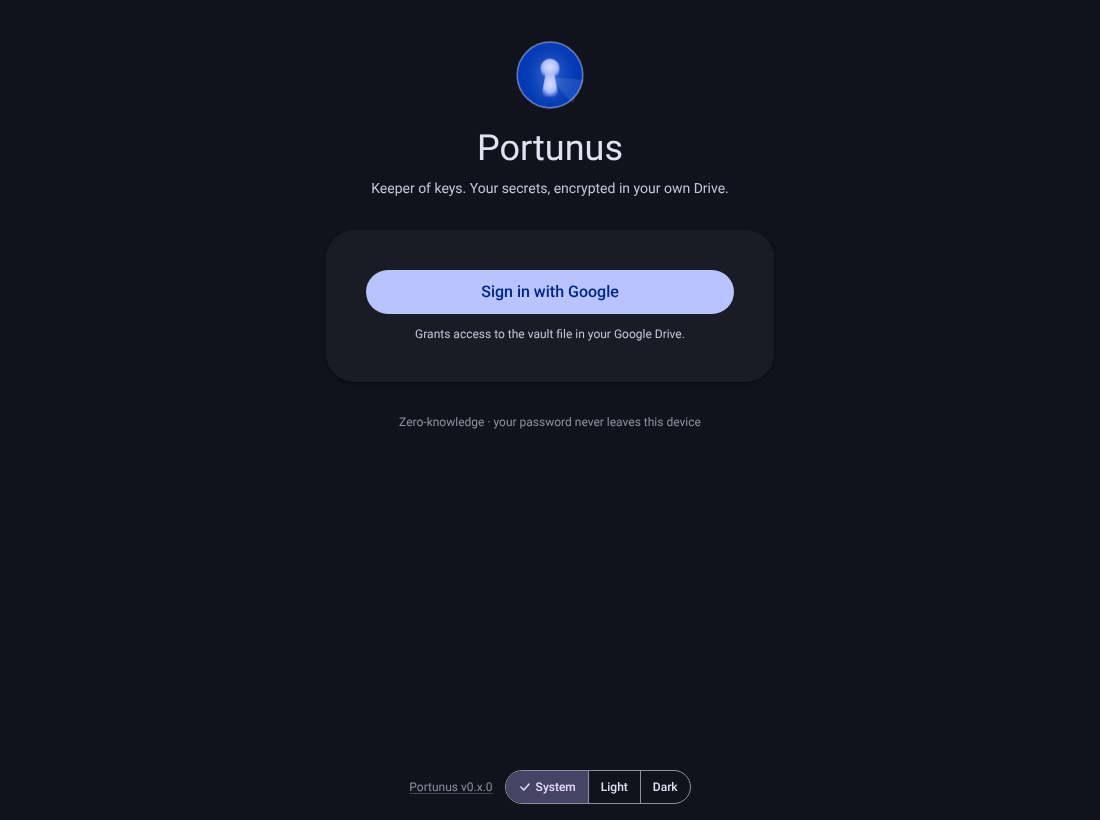
| Light scheme (System follows your device, or pick Light / Dark) | Landing page |
|---|---|
 |  |
For the full list of what you can try, see Features.