Features
A tour of what Portunus does today. The complete, authoritative list is README's Features section; this page groups it by what you'd want to know.
Encryption and unlocking
- Zero-knowledge server. Argon2id + XChaCha20-Poly1305, all in your browser. The server never sees plaintext, your master password, or your keyfile. See the Security model.
- Password and keyfile.
KEK = Argon2id(password ‖ keyfile): a leaked password alone can't brute-force the vault, and neither can the keyfile alone. The keyfile can be installed in the browser per device or loaded per session, and a Crockford-Base32 recovery code is shown once at creation. - Show/hide and an on-screen keyboard. Every password field has an eye button. The unlock field also has an optional on-screen keyboard whose keys are shuffled each time it opens, so a keylogger sees no keystrokes and click positions alone don't give the password away.
- Biometric unlock (optional). With
PORTUNUS_BIOMETRIC_UNLOCK=1, a phone or laptop can unlock with its fingerprint, face or screen lock (WebAuthn passkey + PRF). The keyfile is still required and the master password is never stored. See Biometric unlock. - Two-factor vault delivery (optional). Turn it on from Security and the server asks for a fresh authenticator code on every unlock before it sends the vault to a browser. See Two-factor vault delivery.
- Vault isolated in a Web Worker. The keys and decrypted vault live in a dedicated Worker. The page only holds names, usernames, URLs and other non-secret fields, and asks the Worker for a password or TOTP seed only when you reveal, edit or copy it. Locking terminates the Worker.
Storage and integrity
- Your own Google Drive. The vault is one ciphertext file,
portunus.vault.json, in aPortunus Applicationfolder. Thedrive.filescope means the app only sees files it created. - Tamper-detected vault file. The server signs every save with Ed25519, bound to that Drive file's id, and refuses to serve a file whose signature is missing, wrong, or made for a different file. See Vault signatures.
- Offline mode. The vault opens read-only from a cached ciphertext and recovers by itself when connectivity returns.
- Save protection. Saving asks for your master password again, and concurrent writes are detected. The Save button only appears once there are unsaved changes.
Everyday password manager
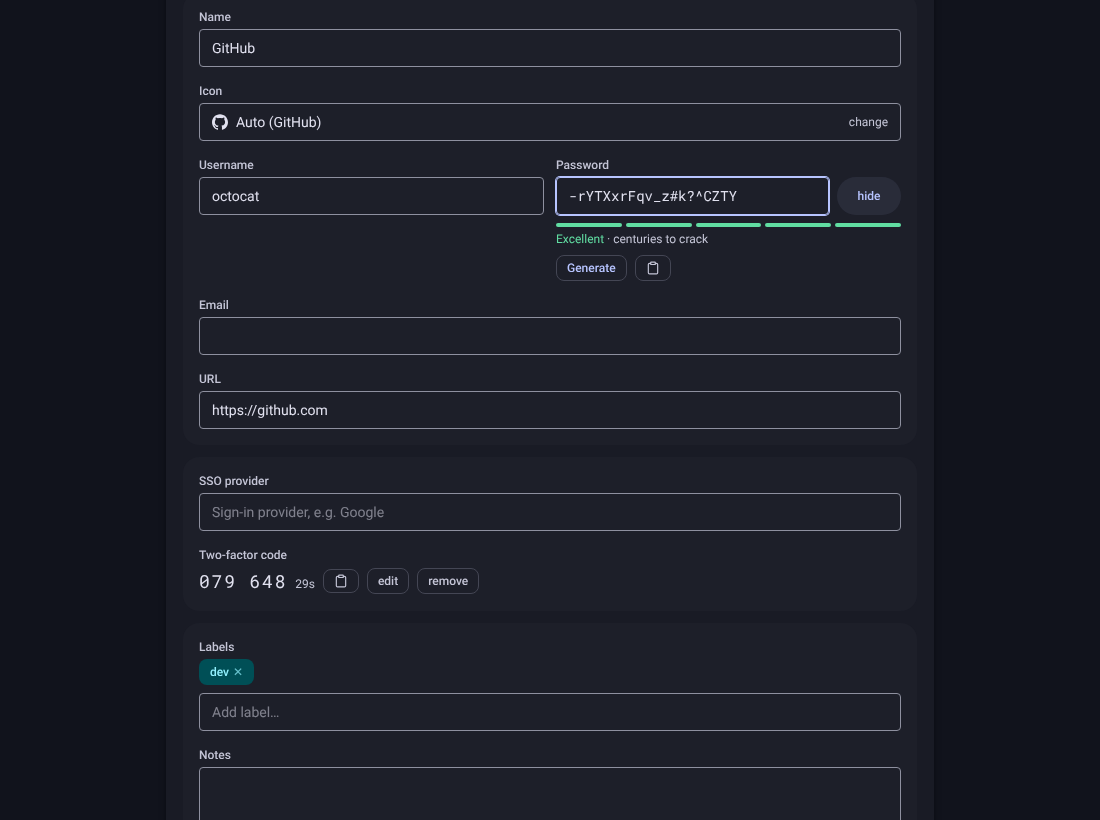
- Search and labels. Multi-term search (press
.to jump to it), colour-coded labels with one-click filters, and a label input that lists every existing label as tap-to-add chips. - Sorting. Vault order, name A–Z / Z–A, oldest/newest first, or oldest/newest password. Display only, remembered per device.
- Entry editor. Username, email, password, URL, notes, and an SSO provider field that marks accounts signed in via SSO with an
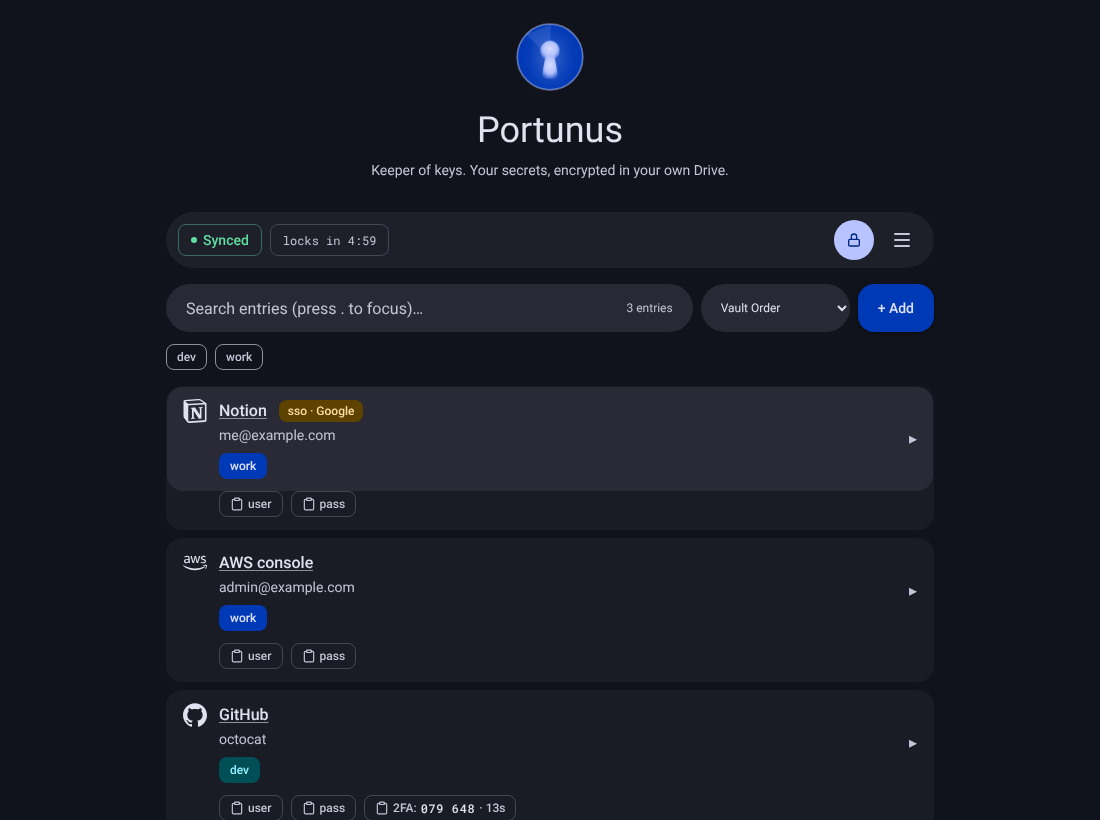
sso · providerchip. Quick-copy buttons on the collapsed row. - Password generator and strength meter. zxcvbn scoring with a crack-time estimate under every password field.
- Two-factor codes (TOTP). Paste a secret or
otpauth://URI, or scan the QR setup image. Live codes with a countdown, copyable from the editor and the collapsed row. - Site icons. About 260 bundled brand logos, matched from the entry's URL or name with nothing leaving the browser. Logos are drawn in their brand colour, unmatched entries get a coloured letter monogram, and each icon can be overridden from a searchable picker.
- Service name autocomplete. "Net" completes to "Netflix" (Tab to accept), and fills in the URL when it's empty.
- Duplicate and whitespace warnings. A "duplicate?" hint when a new entry is for the same site and reuses an existing username or email; stray leading/trailing spaces are highlighted with a one-click trim.
- Entry history. Created/updated timestamps, update count, and the last 5 previous passwords.
- Have I Been Pwned checks. An opt-in k-anonymity audit from the menu, plus an automatic check when you edit a password. Only the first 5 characters of the SHA-1 hash leave the browser. See Have I Been Pwned checks.
- Secrets rendered on demand. Passwords show as a fixed-length mask with no
<input>holding them until you edit or "show", and re-mask when you click away, switch tabs, or after 30 s idle. - Focus mode. Shows only the entry you're editing or adding until you press Done or Delete (on by default).
- Synced settings. Per-vault preferences (on-edit breach check, browser autofill suppression, Focus mode) are stored inside the encrypted document, so they follow you across devices.
- Auto-lock. A visible countdown that pauses while you have unsaved changes; mouse, keys and scroll reset it. The lock button next to Save locks right away.
Look and feel
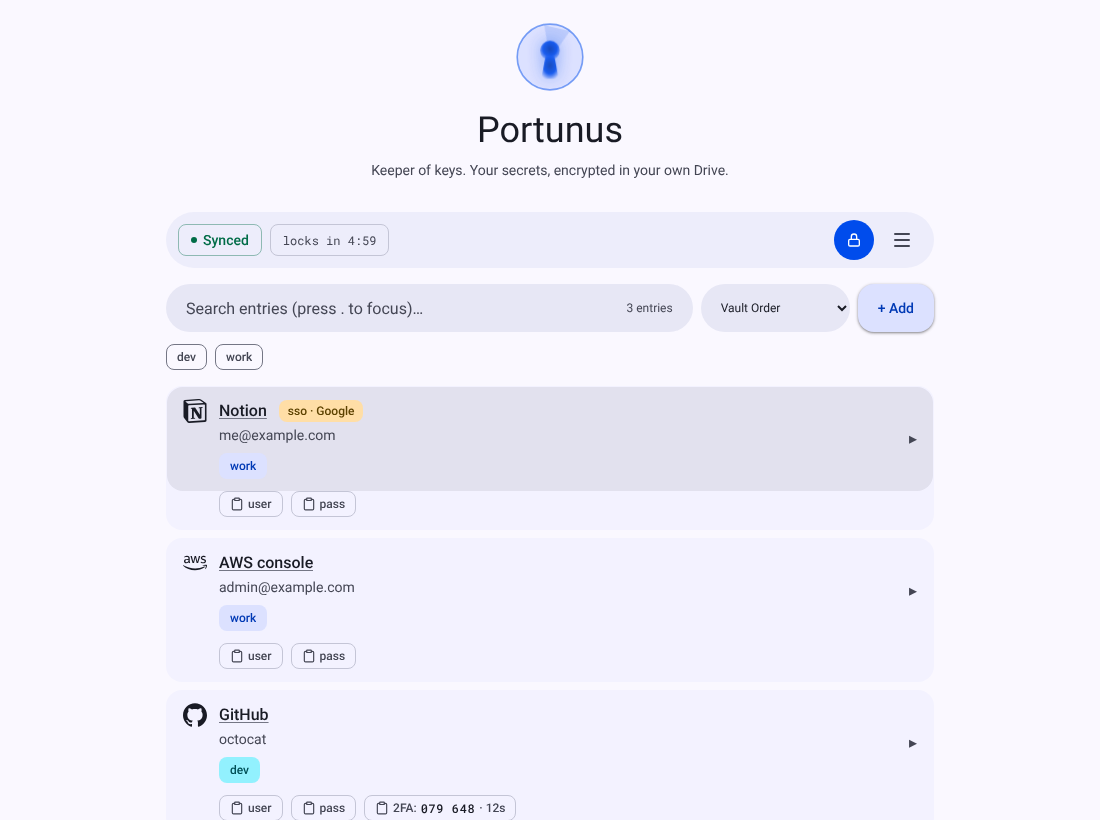
- Material 3 design with a light and a dark colour scheme. System (the default) follows your device's setting, or pick Light or Dark; the choice is remembered per browser.
- Each label keeps one colour everywhere, letter avatars are coloured per name, and brand icons are toned for contrast in both schemes.
Hardening
- Strict Content-Security-Policy:
script-src 'self'with a per-request nonce and build-time hashes, no'unsafe-inline'/'unsafe-eval',frame-ancestors 'none', plusnosniff,no-referrer, a restrictivePermissions-Policy, and HSTS over HTTPS. - Script tamper-evidence (best effort). Any
<script>the build didn't emit shows an "Unexpected script detected" banner. See Script injection. - One stateless Docker image. Next.js standalone build, non-root, no database. See Install.